
Overall Grade Calculator
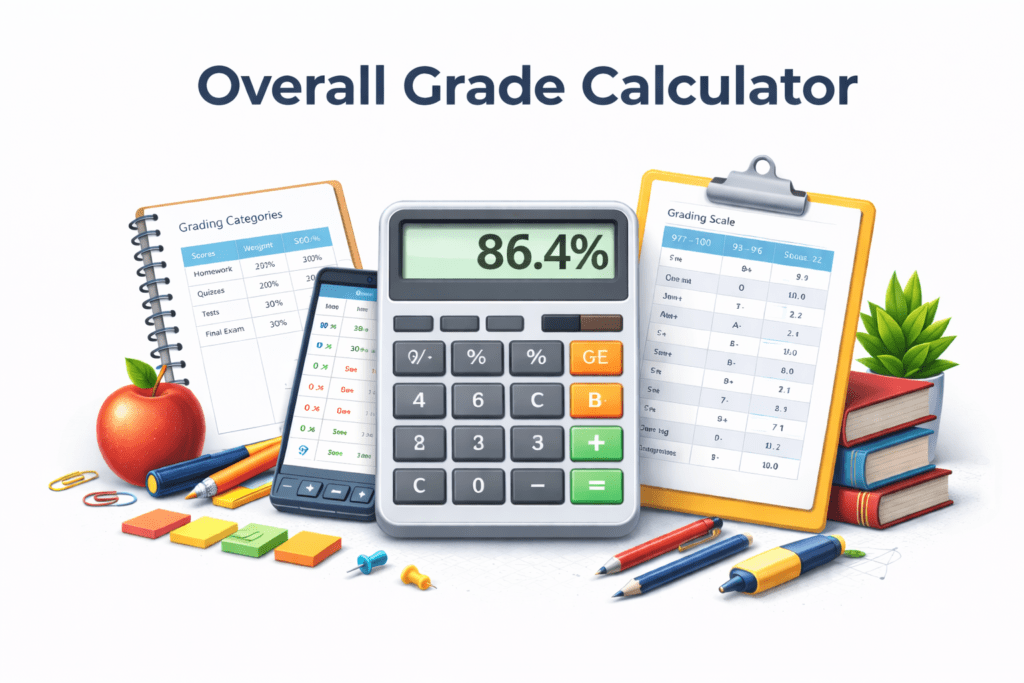
An Overall Grade Calculator helps students calculate their course grade based on multiple graded components such as assignments, tests, quizzes, and the final exam. This grade calculator computes the weighted average and determines the overall grade for a class..
Overall Grade Calculator
Weighted components · Final exam · What do I need?
| Component | Score | % | Weight | Grade |
|---|---|---|---|---|
| Overall Grade | – | – | – | – |
Use this overall grade calculator to calculate grades quickly using weighted categories such as homework, classwork, quizzes, tests, and the final exam. Enter your current grade, weight percentage, and any earned points, and the calculator will compute your course grade, percentage grade, and letter grade automatically.
This free grade calculator tool helps students understand their current overall grade, estimate the grade needed on the final exam, and track their progress throughout the semester or quarter.
What Is an Overall Grade?
An overall grade represents the combined average of all graded work in a class. Teachers use a grading system that assigns weights to different assessments to determine the final grade.
For example, a typical course grading structure might include:
- Homework and classwork
- Quizzes and tests
- Projects
- Final exam
Each category contributes a percentage of your overall grade, which is calculated using weighted averages.
How to Calculate Overall Grade
To calculate an overall grade, you must know the grade percentage for each category and its weight in the grading system.
Step-by-step grade calculation
- Enter the grade percentage for each category.
- Enter the weight percentage assigned to each category.
- Multiply each grade by its weight value.
- Add the results to determine the weighted average grade.
- Need help finding individual category grades first? Use our assignment grade calculator or quiz grade calculator before combining them here.
Using an overall grade calculator simplifies this grade calculation and provides accurate results instantly
Overall Grade Formula
The formula used for calculating an overall grade based on weighted averages is:
Where:
- Grade = percentage score in a category
- Weight = percentage value of that category
The sum of the weights should equal 100%.
Example Overall Grade Calculation
Here is an example of how a course grade might be calculated.
| Category | Grade | Weight |
|---|---|---|
| Homework | 85% | 20% |
| Quizzes | 80% | 20% |
| Tests | 90% | 30% |
| Final Exam | 88% | 30% |
Step 1: Multiply grades by weights
- Homework: 85 × 0.20 = 17
- Quizzes: 80 × 0.20 = 16
- Tests: 90 × 0.30 = 27
- Final Exam: 88 × 0.30 = 26.4
Step 2: Add results
17 + 16 + 27 + 26.4 = 86.4
Want to see how this 86.4% affects your GPA? Use our GPA calculator or college grade calculator for a full academic breakdown.
Grading Scale for Overall Grades
Most schools convert percentage grades into letter grades using a grading scale.
| Percentage | Letter Grade |
|---|---|
| 97–100 | A+ |
| 93–96 | A |
| 90–92 | A- |
| 87–89 | B+ |
| 83–86 | B |
| 80–82 | B- |
| 77–79 | C+ |
| 73–76 | C |
| 70–72 | C- |
| 67–69 | D+ |
| 63–66 | D |
| 60–62 | D- |
| Below 60 | F |
To convert any score directly into a letter grade, use our letter grade calculator for instant results.
Why Use an Overall Grade Calculator?
Students often use an overall grade calculator to:
- determine their current grade in a class
- estimate the required final exam grade
- calculate the target grade needed
- track their semester grade
- plan for remaining assignments and exams
For tracking performance across the full semester, also check our semester grade calculator and grade average calculator.
Frequently Asked Questions
An overall grade calculator helps students determine their course grade based on multiple grading categories such as homework, quizzes, tests, and the final exam. It calculates a weighted average using the scores and weight percentages for each category.
To calculate your overall grade, multiply each grade percentage by its assigned weight and then add the results together. The total gives the weighted average grade for the course.
Yes. By entering your current grade and the weight of the final exam, the calculator can estimate the score needed on the final exam to reach a desired course grade.
A weighted grade is a grading method where different assignments or assessments contribute different percentages to the final grade. For example, tests might count for 40%, homework for 20%, and the final exam for 40%.
Yes. This grade calculator can estimate your semester or quarter grade by combining scores from assignments, quizzes, tests, and exams according to their assigned weights.
Yes. This free grade calculator allows students to quickly calculate their weighted average grade and estimate their overall course grade.
Yes. The calculator works on smartphones, tablets, and desktop devices so students can calculate their grades anytime.